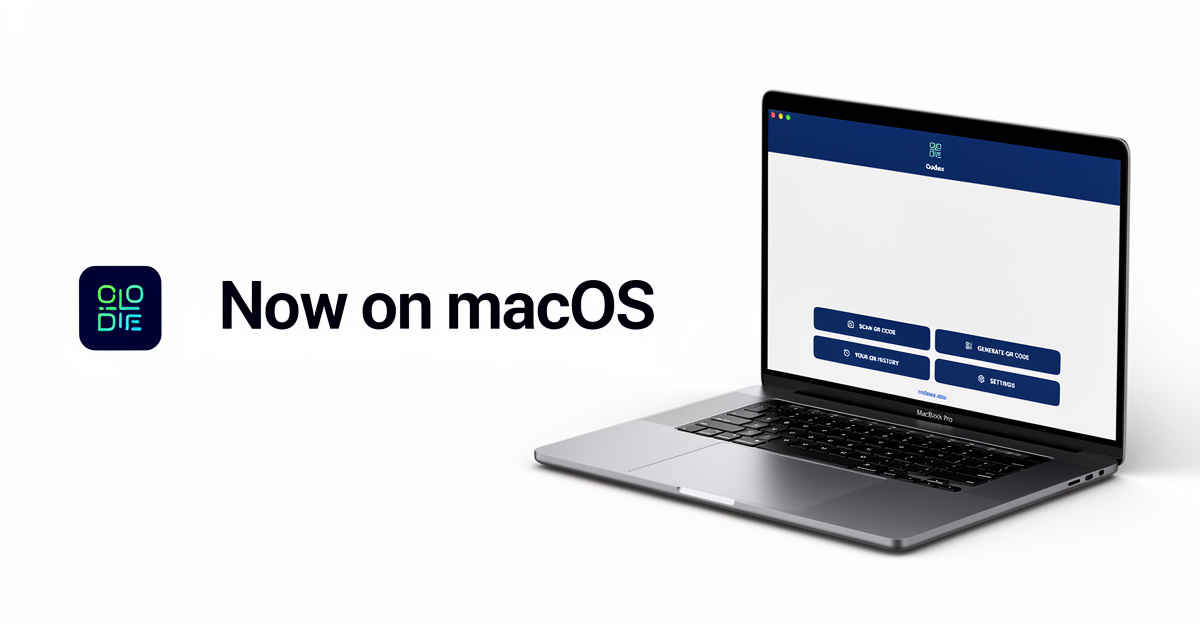
After years of being the most complete QR code solution on Windows, we're thrilled to announce that Codex QR is now available on macOS. Mac users can finally enjoy the same powerful QR code generation and scanning capabilities that thousands of Windows users have loved.
Whether you need to scan QR codes on Mac, generate WiFi sharing codes, or create professional vCards, Codex QR for macOS has you covered—and it works 100% offline.
Why Codex QR for macOS?
Finding a reliable QR code app for Mac has always been challenging. Most solutions are either web-based (requiring internet), limited in features, or simply ports of mobile apps that don't feel native. Codex QR changes that.
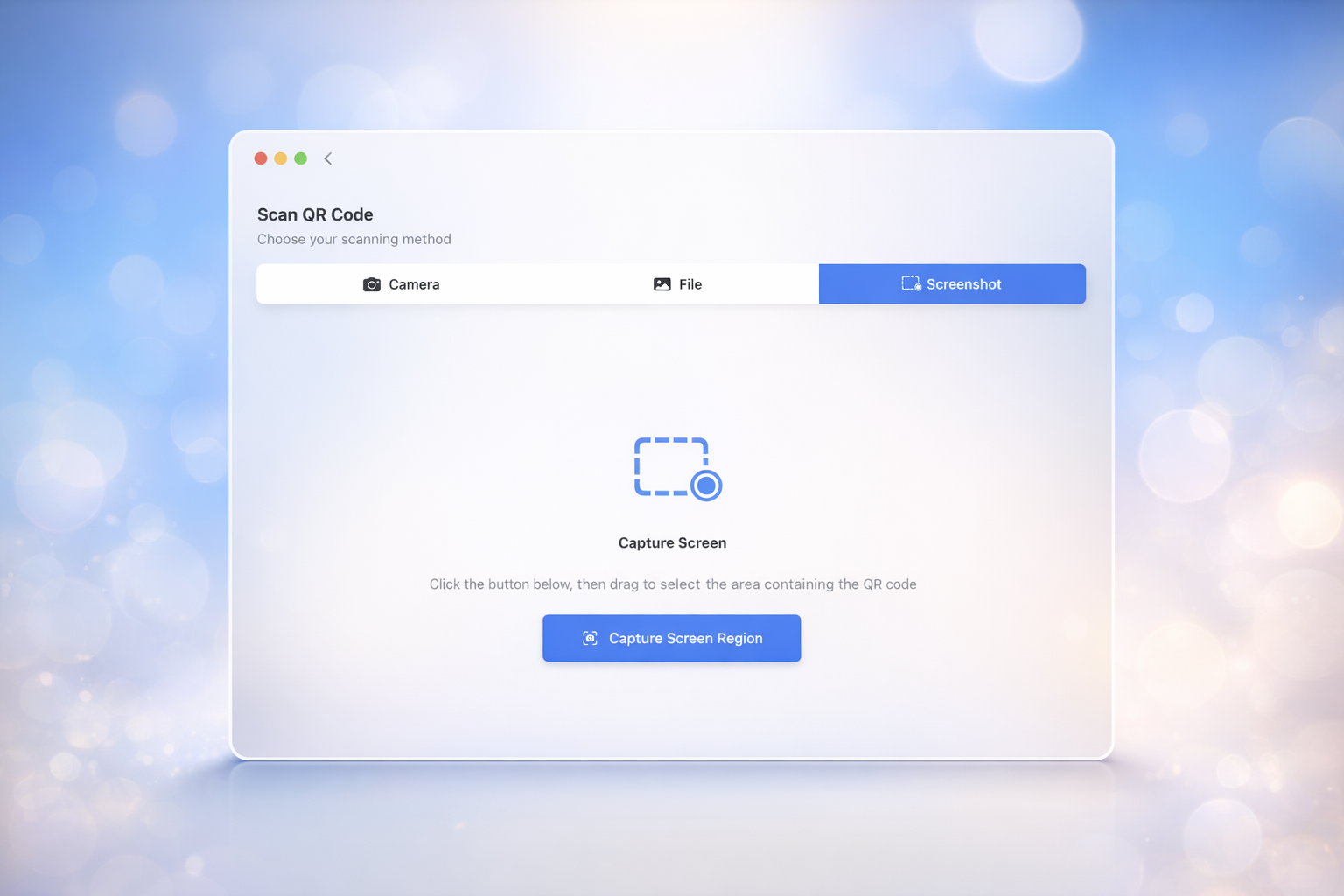
Built natively with SwiftUI, Codex QR for macOS delivers a truly Mac-native experience while maintaining full feature parity with our Windows version.
Generate 10+ Types of QR Codes
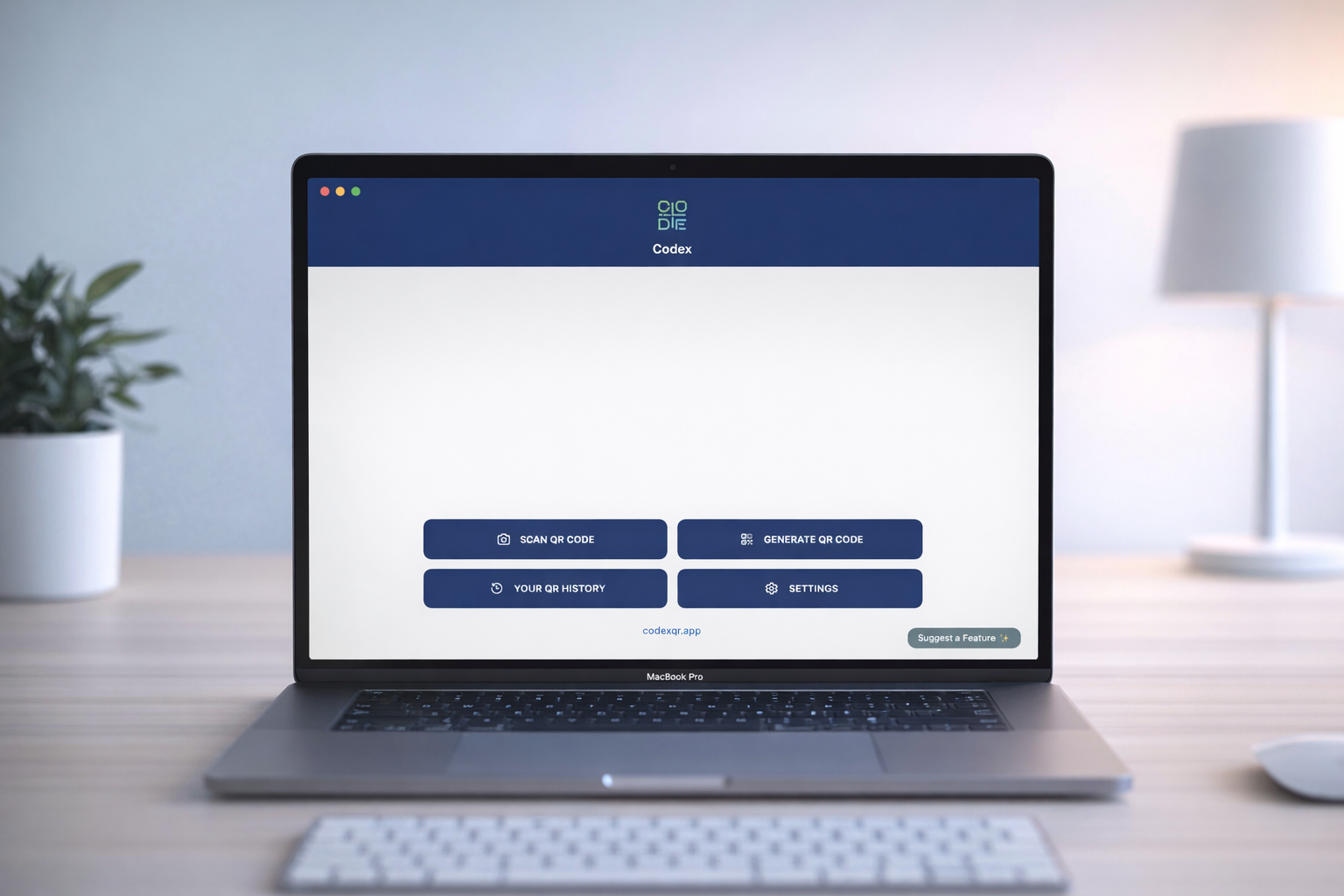
Codex QR isn't just another QR code generator for Mac. It supports over 10 different QR code types, each optimized for its specific use case:
- URL – Share website links instantly
- WiFi – Let guests connect without typing passwords
- vCard – Share contact information professionally
- Email – Pre-filled email with recipient, subject, and body
- Phone – One-tap calling
- SMS – Pre-composed text messages
- Calendar Event – Add events directly to calendars
- WhatsApp – Start conversations instantly
- Location – Share GPS coordinates
- Plain Text – Any custom content
Three Ways to Scan QR Codes on Mac
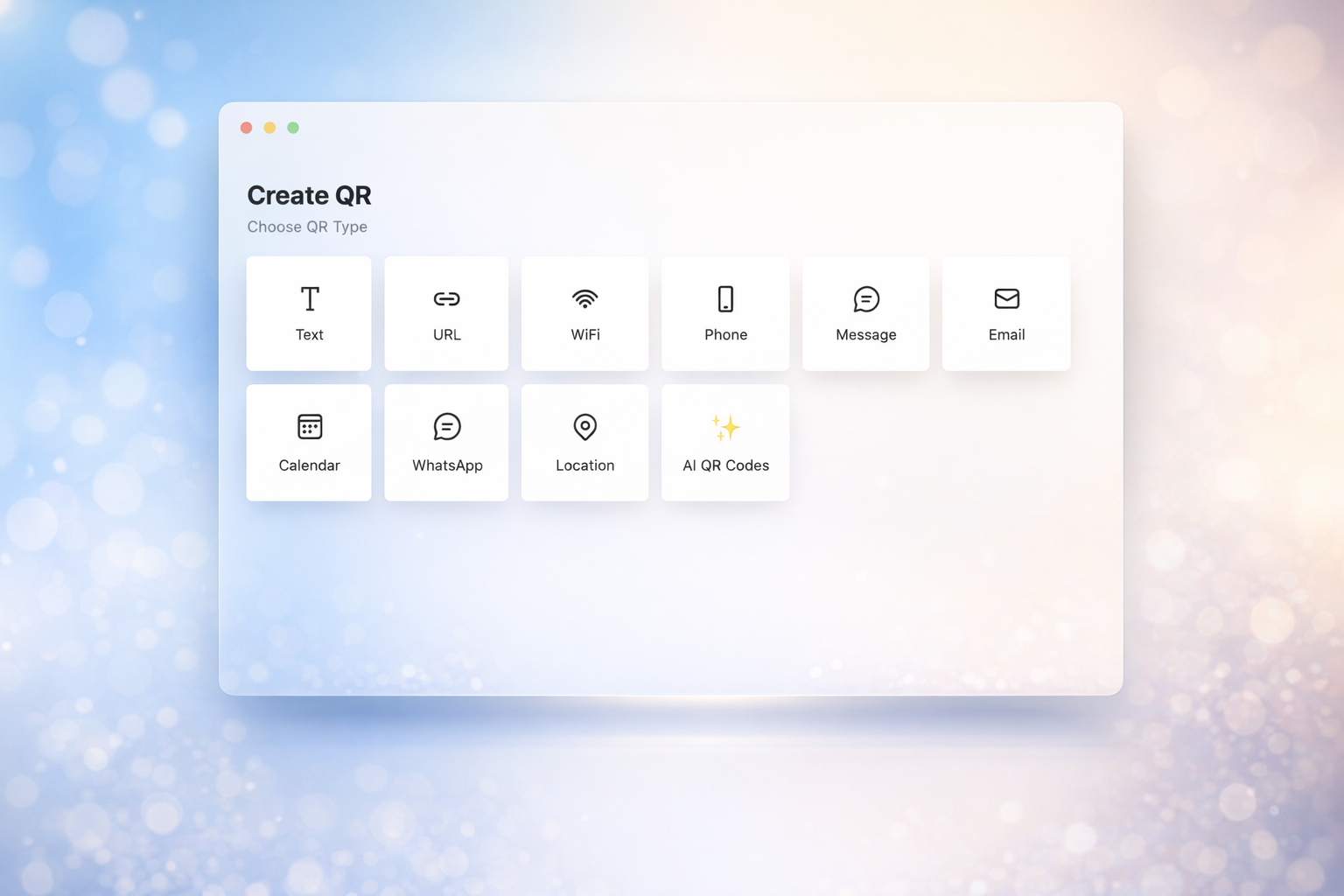
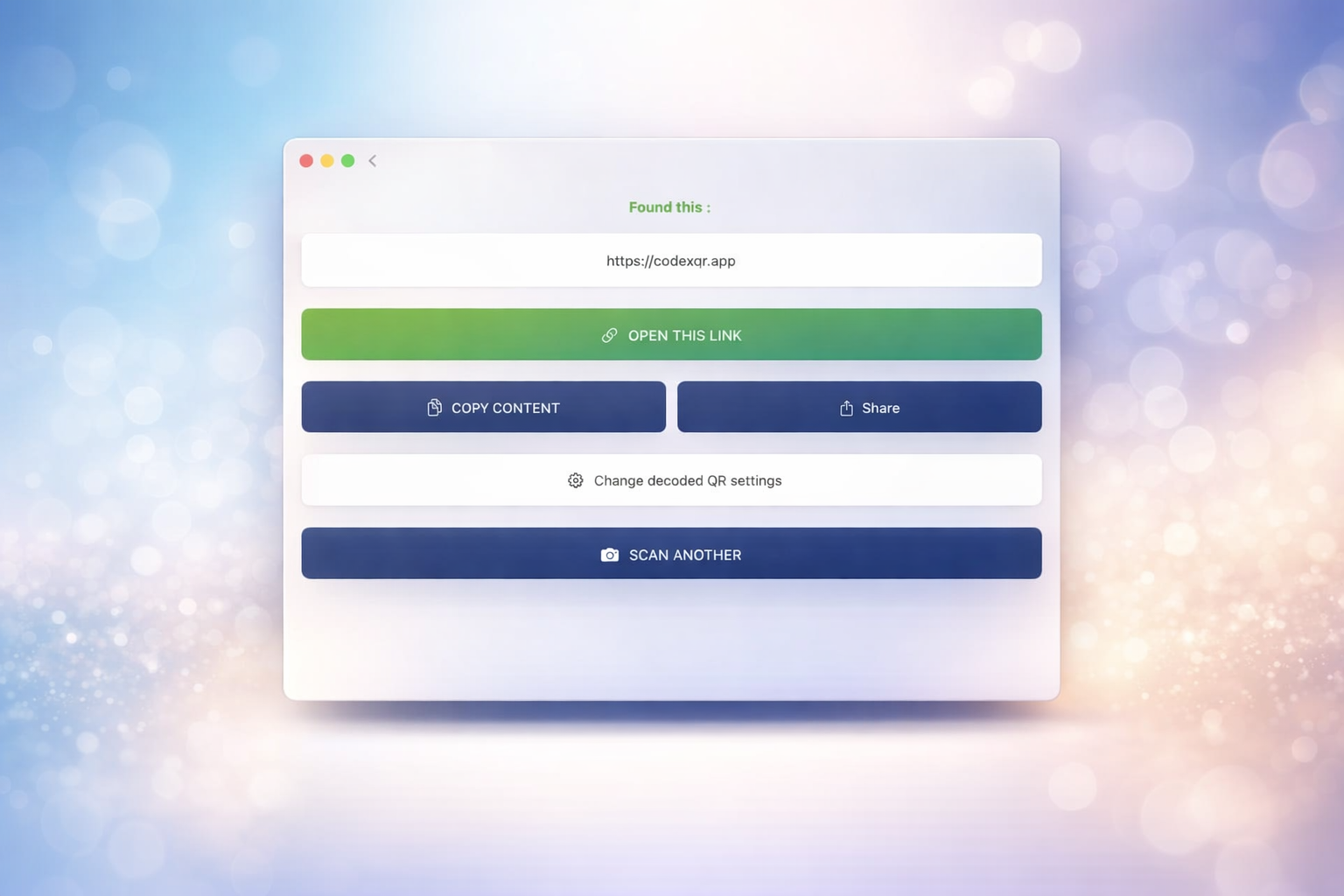
One of Codex QR's standout features is its versatile QR code scanner for Mac. Unlike basic apps that only support camera scanning, we offer three distinct methods:
1. Live Camera Scanning
Use your Mac's built-in camera or any connected webcam to scan QR codes in real-time. Perfect for scanning codes from printed materials, product packaging, or other physical items. With Continuous QR scanning built-in.
2. Image File Import
Have a QR code saved as an image? Simply drag and drop it into Codex QR, or use the file picker to select PNG, JPG, or other image formats. Ideal for scanning codes received via email or messaging apps.
3. Screenshot Capture
This is where Codex QR truly shines. Need to scan a QR code displayed on your screen? Click "Screenshot," select the area containing the code, and Codex QR instantly decodes it. No need to save the image first—it's the fastest way to scan QR codes on Mac from websites, documents, or video calls.
Works 100% Offline
Privacy matters. Unlike web-based QR generators that send your data to remote servers, Codex QR processes everything locally on your Mac. Your WiFi passwords, contact details, and sensitive information never leave your device.
This also means you can generate and scan QR codes anywhere—on a plane, in areas with poor connectivity, or in secure environments where internet access is restricted.
Professional Customization
Need your QR codes to match your brand? Codex QR offers professional customization options:
- Custom colors – Choose foreground and background colors
- Resolution control – Generate codes up to 1024x1024 pixels
- Error correction levels – Adjust redundancy for different use cases
- Margin settings – Control the quiet zone around your codes
History & Organization
Every QR code you scan or generate is automatically saved to your history. Easily find, copy, or regenerate codes from past sessions. The history is stored locally and can be cleared anytime for privacy.
Available in 12 Languages
Codex QR for macOS supports 12 languages out of the box: English, Italian, German, French, Spanish, Portuguese, Dutch, Polish, Russian, Chinese, Japanese, and Korean. The app automatically uses your system language.
Get Codex QR for macOS
Ready to experience the best QR code app for Mac? Download Codex QR today and join thousands of users who trust our app for their QR code needs.
Codex QR is also available on Windows with the same powerful features.
Download Codex QR for macOS
Generate and scan QR codes offline. Professional features, native Mac experience.
Download for macOS Download for Windows