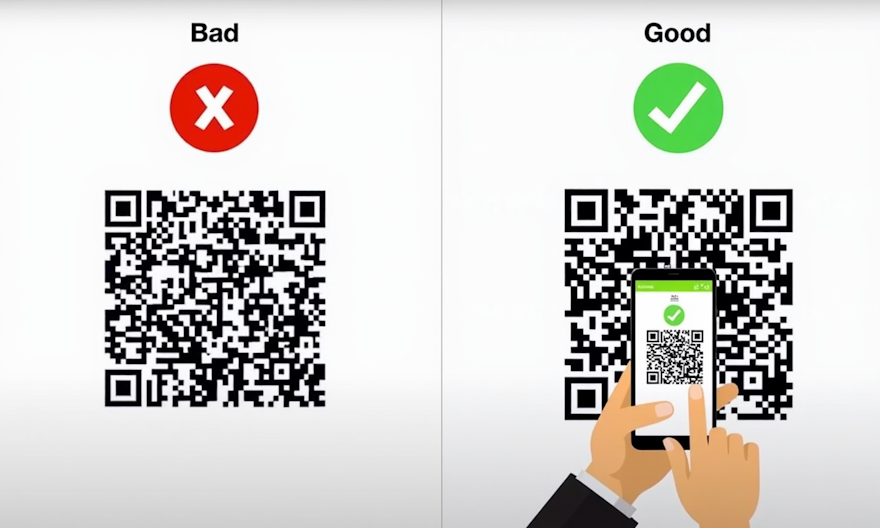
You use them on business cards, menus, flyers. But if your QR codes aren’t working properly, you’re handing customers a frustrating experience. The good news? Just avoid these 5 mistakes.
1. Using Dynamic QR Codes When Static Ones Suffice
The Problem: Paying monthly fees for "editable" QR codes you never update. Worse, if the service shuts down, your codes stop working.
The Fix: Codex QR generates forever-static QR codes. Perfect for:
- Email addresses or phone numbers
- Links to fixed pages (e.g., your Google Maps location)
- WiFi passwords (works offline!)
2. Poor Contrast or Busy Backgrounds
The Problem: A black QR code on a dark blue background? 30% of smartphones won’t scan it.
The Fix: Codex QR warns you in real-time about low contrast and lets you invert colors with one click.
3. Microscopic Sizing
The Problem: A 1x1 cm QR code on a billboard? It’s like writing a phone number in size 8 font.
The Golden Rule: Each QR module (the tiny squares) should be at least 0.2 inches (0.5 cm). Codex QR lets you choose the exact size for scanning distance.
4. Linking to Non-Mobile-Friendly Pages
The Problem: 95% of scans happen on smartphones. If your link opens a PDF or desktop-only site, you’ve already lost.
The Smart Fix: Codex QR includes a mobile preview to test links before generating the code.
5. Skipping the Call-to-Action
The Problem: A QR code without explanatory text gets 70% fewer scans.
- "Scan to unlock 10% off"
- "Get directions to our store"
Want Hassle-Free QR Codes?Codex QR solves all these mistakes automatically:✅ Instant static QR generation✅ Built-in mobile preview✅ Smart contrast checkerCreate Your First QR Code Now →
Want Hassle-Free QR Codes?
Codex QR solves all these mistakes automatically:
- ✅ Instant static QR generation
- ✅ Built-in mobile preview
- ✅ Smart contrast checker
Try Codex QR Today
Generate unlimited QR codes with professional features. Works 100% offline.
Download for Windows